The “Page shared for consultation via URL” feature
A project’s “Page shared for consultation via URL” feature of a project allows you to give insight into a project to people who don’t have access to it. Either because they don’t have a Beesbusy account, or because the project is not shared with them.
This is made possible by generating an HTML link directing to a web page displaying the project data.
This page can only be viewed in read-only.
Generate a shared page
Go in the settings of the project by clicking on the gear icon at the top right, the go to the “Page shared for consultation via URL” section.
Only project administrators can generate a shared page.
To generate a shared page, simply fill in the information below.
The accessible views
You can choose which view of the project will be displayed : it can be only one view, or two, or the three views.
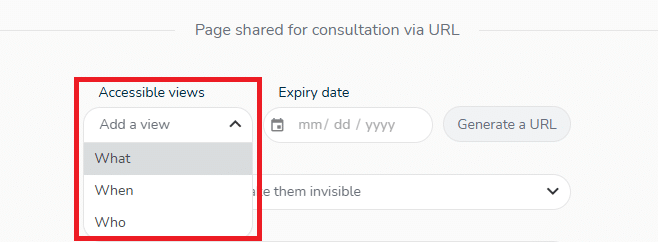
The views are displayed with the same display options as in Beesbusy: zoom level in the What view, drop-down menu to display the planned times in the Who view, etc.
Expiry date
The date entered defines the end date of the generated link.
After this date, the link will no longer be operational.
Choice of elements to display
You can also choose which elements to display when you publish your shared page:
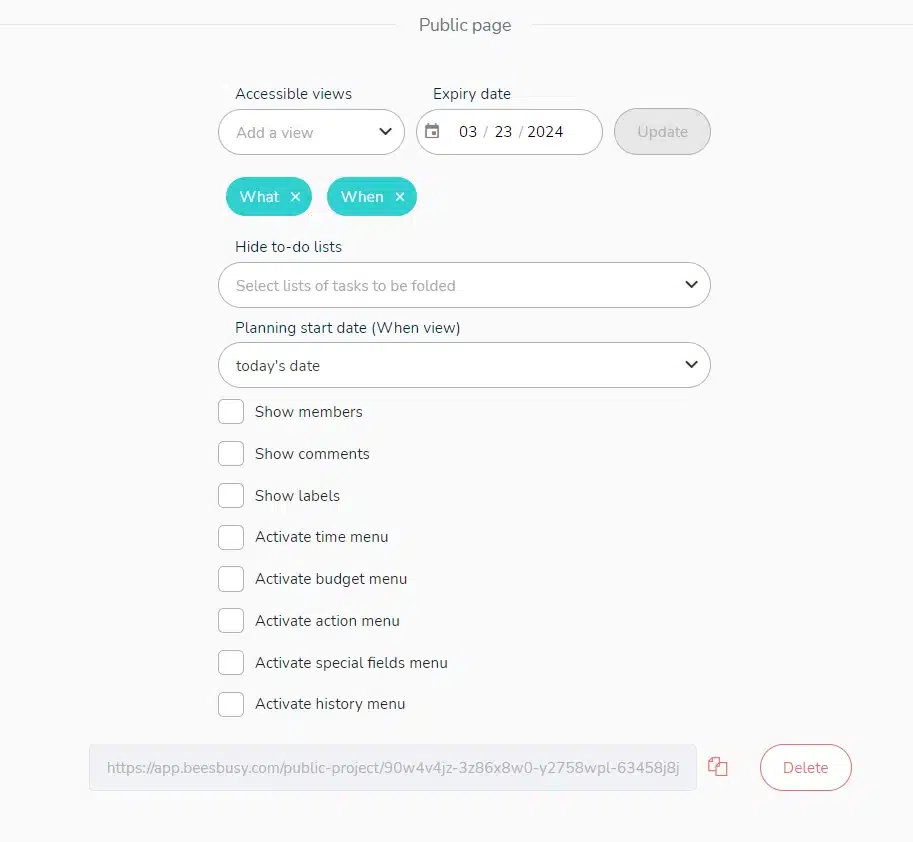
Generating a shared page link
Once you’ve filled in the above information, click on the “Generate a public link” button: a link will automatically be presented below.
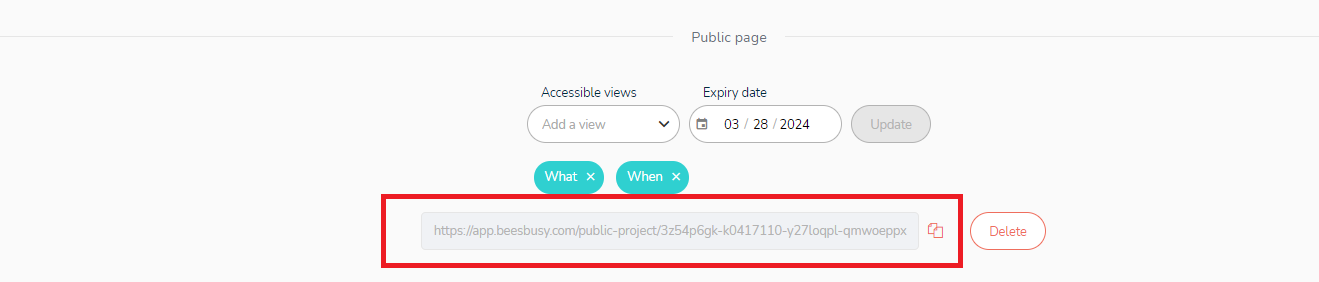
You can copy it by clicking on the button: 
If you change the end date of the link or the views presented, remember to update it by clicking on the button: 
View the shared page
Anyone with the generated link can view the project by pasting the link into their browser’s address bar and pressing Enter.
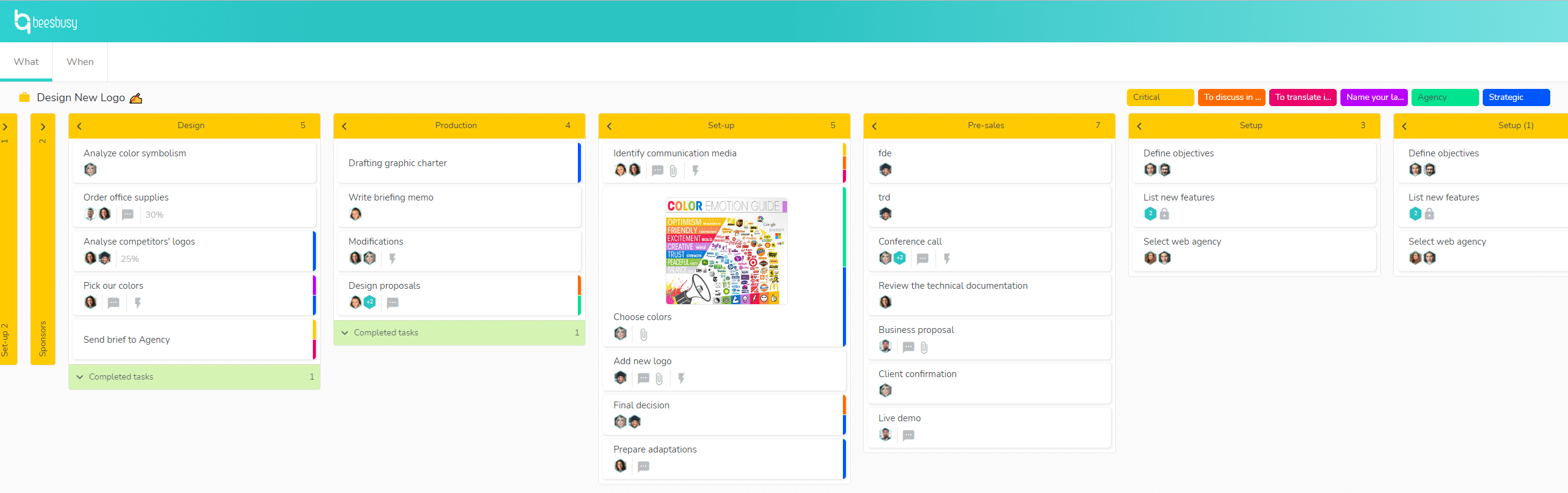
Good to know: if your project has some confidential tasks, these tasks will not be displayed on the shared page.
To know more about confidential tasks: https://www.beesbusy.com/resources/features/tasks/confidential-task/