By clicking on a task, you access more details regarding the task. This panel is divided into 3 tabs: What tab, When tab and Who tab.
The Who tab of the task
In this article, learn about the features available on this tab of the tasks:
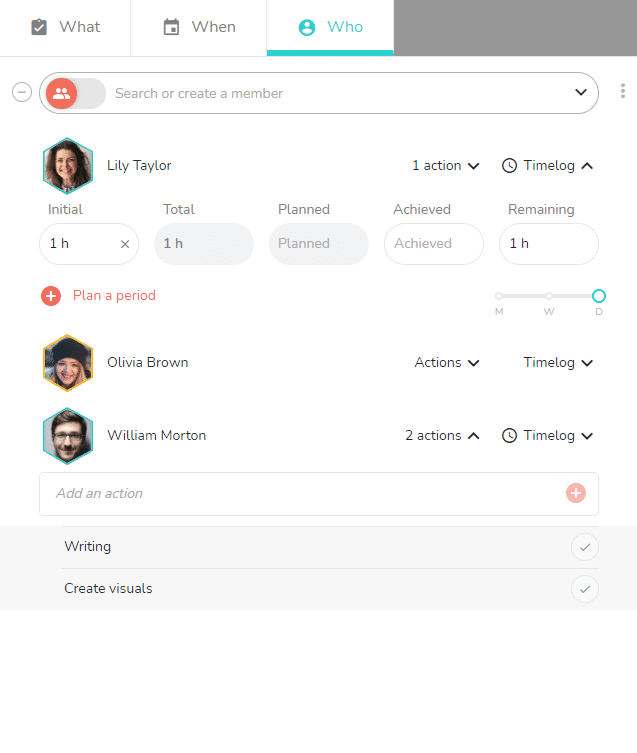
Task assignation, action assignation, time management
Click on the feature that interests you in order to read a detailed article about the feature.
Note: to exit the task detail panel, click just outside of it.