Task and project unique numbers feature
Unique task and project numbers are an option that can be activated in the Subscription parameters.
This way to numbering generated numbers are unique across all tasks and projects for all Beesbusy users.
There is another numbering of tasks at the project level that is not dependent on the Subscription parameters. It is described in the article “Display options of a project”: https://www.beesbusy.com/resources/features/project/display-options-project/
Activation of the option in the Subscription parameters
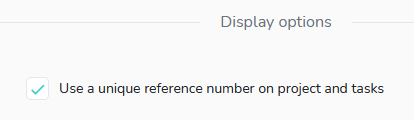
The subscription administrator must check the box below to enable the option:
Unique task Reference Numbers
Once the subsrciption administrator has activated the option as described above, go to a project’s settings, then to the “Project Display Options” section and check the “Display task number” box.
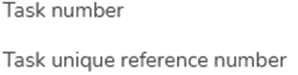
Enabling the option allows you to choose between unique task number or unique reference number:
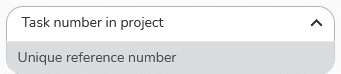
Selecting “Unique reference number” allows you to display the numbers as follows:
- At the right of the task name in the “What” view:
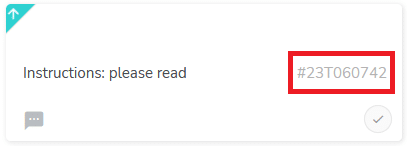
- At the top right of the task when opened:
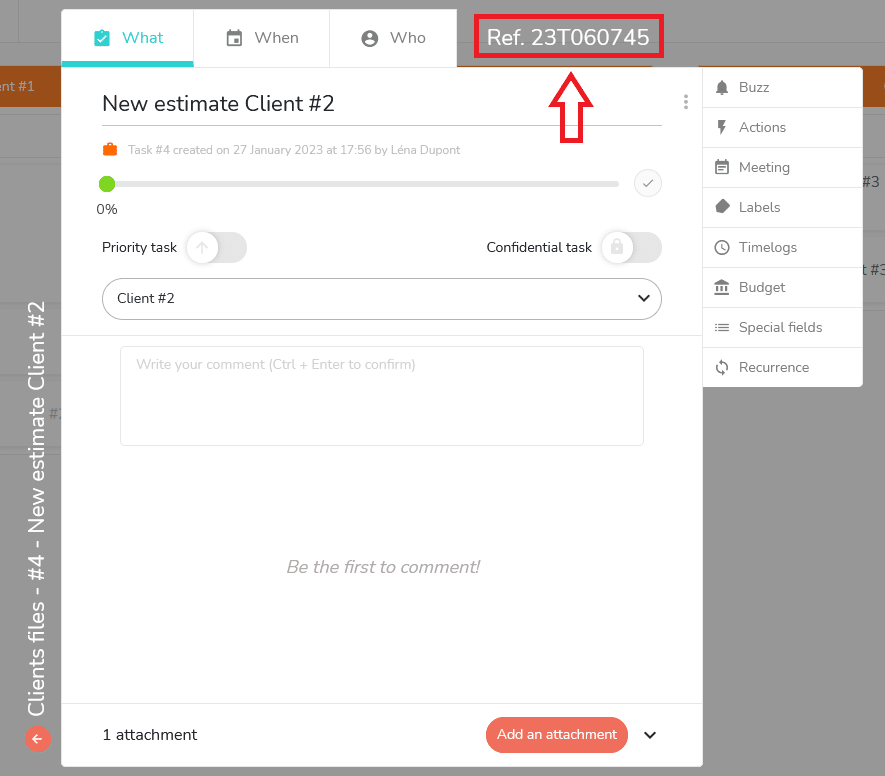
Unique project numbers
Unique project numbers are displayed in the settings of the project and are automatically generated.
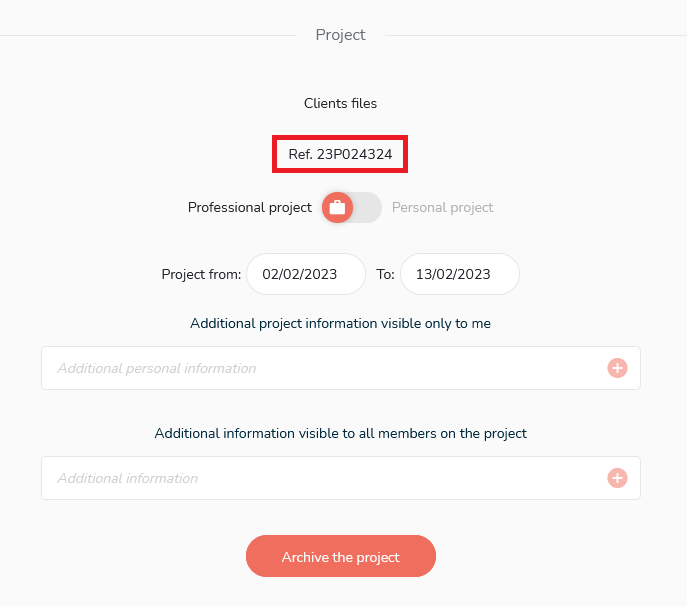
Unique project numbers are not dependent on the project display options. They only depend on whether the option is enabled in the Subscription parameters.
Using the unique reference numbers
Searching for unique reference numbers
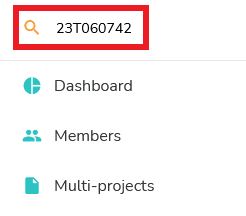
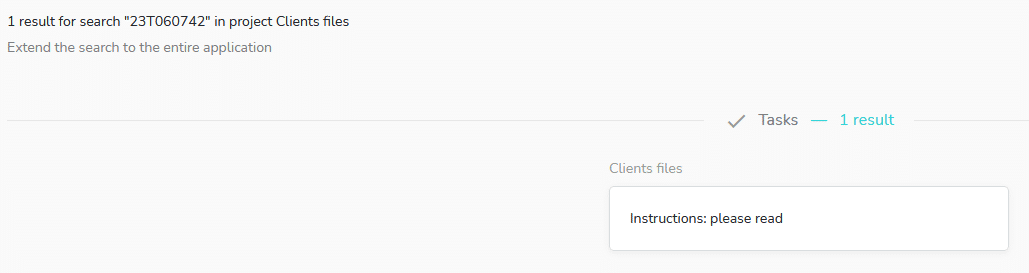
It is possible to use the search tool to find a task or project by its unique reference number.
Step 1:
Step 2:
Filter on unique reference numbers
The advanced filters allow you to filter on unique reference numbers of the tasks:
Operating unique reference numbers in Excel exports
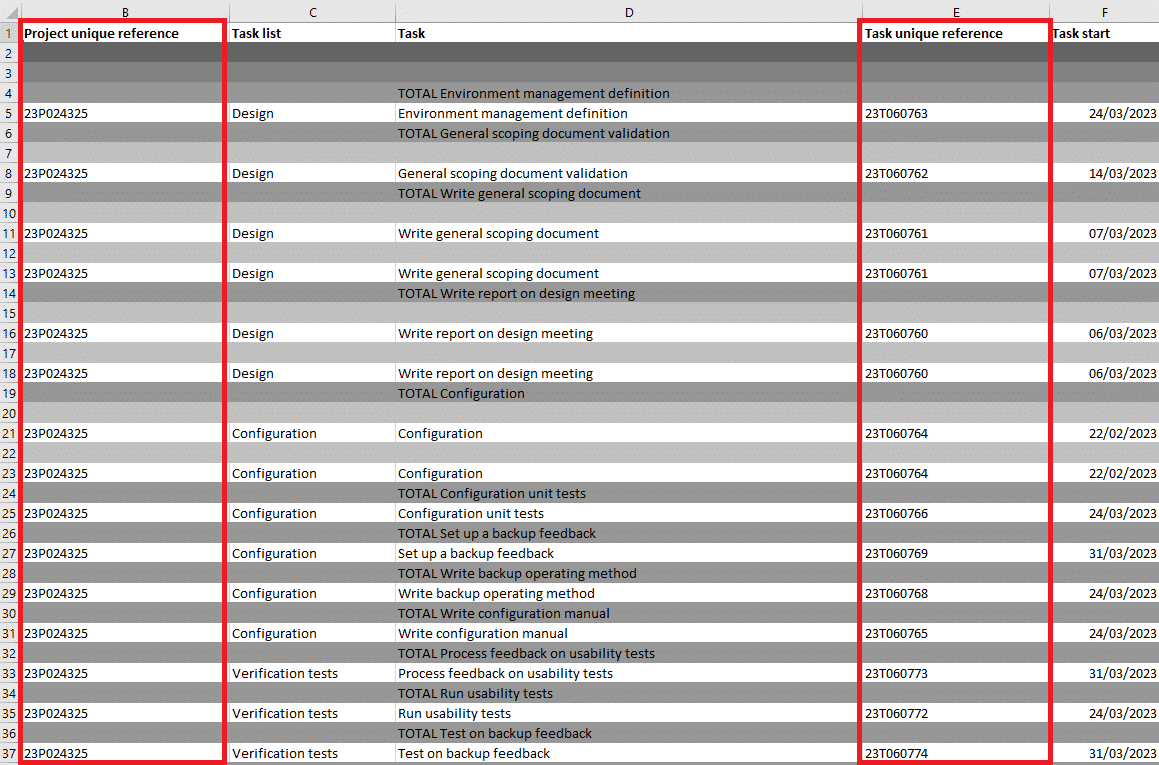
Once the option to display unique reference numbers has been checked in the Subscription Settings, these numbers will appear in Excel exports: