Log with an email and password
To log into your account from the Beesbusy website, click on on the “Log in” button located at the top right of the website page. You will access the Beesbusy login page.
Enter your email address (user ID) and your password in the designated fields.
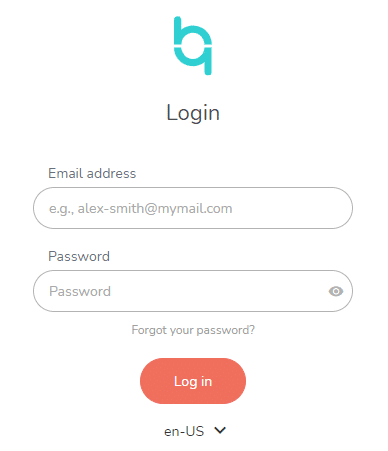
You can show the typed password by clicking on the eye-shaped icon to the right of the “Password” field.
Then click on the “Log in” button to access the Beesbusy application.
Log thanks to the SSO (Single Sign-On) connector of your choice
You can also log in with your Google, Microsoft, Apple account if you wish.
Click on the connector of your choice:
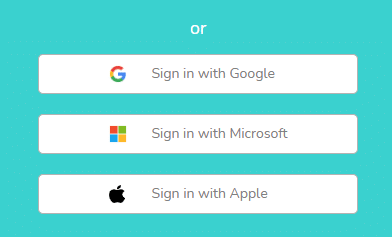
You will be redirected to the login page of your choice, where you will be asked to log in to it in order to finalize the synchronization with Beesbusy.