If you still remember your password
User drop-down menu > Profile: in the “Information” page of your Profile, go to the “Password” section, enter your current password and the new password in the designated fields. Click on “Change Password” to confirm this change.
If you can not remember your password
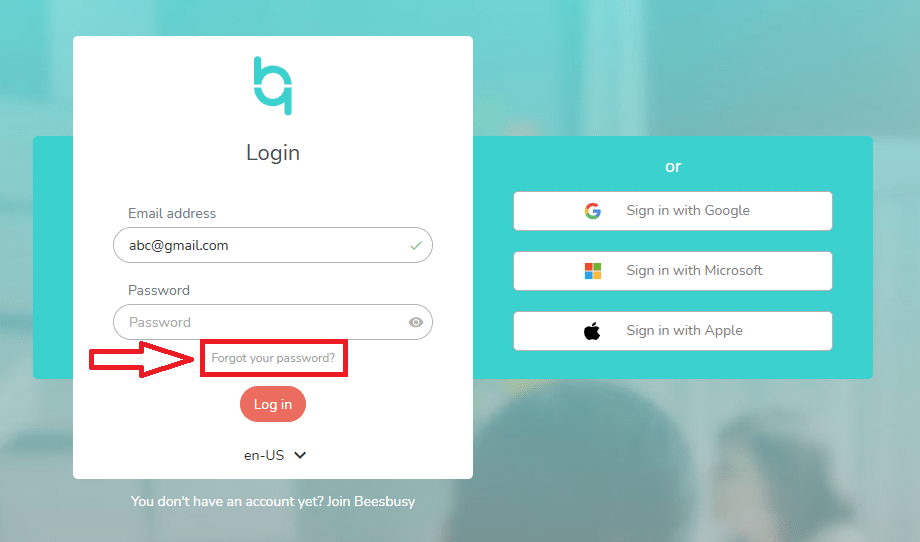
If you are in Beesbusy, just log out (User drop-down menu > Disconnect) then click on “Forgot your password?” and enter your email address.
If your Beesbusy account is not open, just click on “Forgot your password?” and enter your email address.
You will receive an email to reset your password. Follow the instructions.