An invitation code has been sent to you to discover the application or to integrate a subscription.
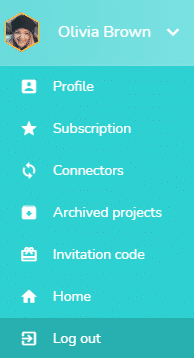
Go to the user drop-down menu
Click on the user drop-down menu, then click on “Invitation code”:
Enter the invitation code
A windows opens:
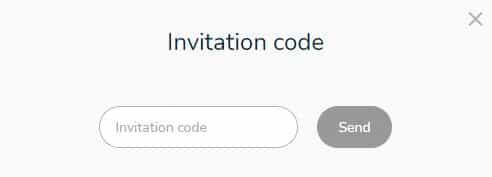
Enter the invitation code that was sent to you and click on the “Send” button.
A verification is carried out on the submitted invitation code. If it is correct, you can access Beesbusy with the invitation code features.
If you join a subscription, Beesbusy’s appearance may change if the subscription in question includes the White Label customization option.