Create a task list
You can create one or more task lists in the What view of a project.
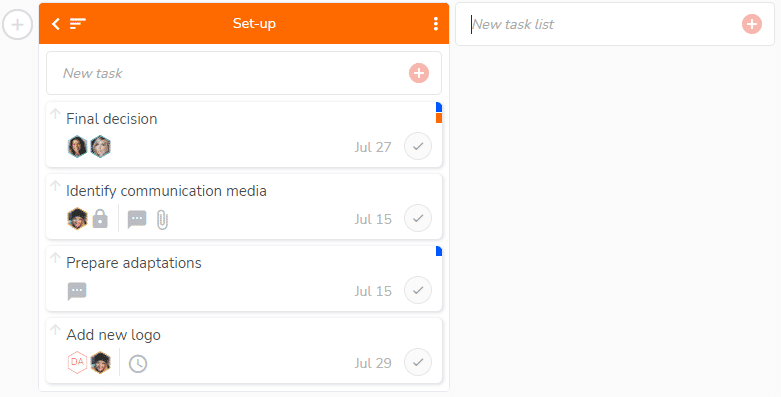
To create a task list, click on the “+” button located to the right of any task list: the “New task list” field appears.
Type a name for your new task list and click on the “+” button in the field in which you are typing or hit the “Enter” key on your keyboard.
Reorganize your task lists
You can also organize task lists as you want by selecting a list and moving it using drag and drop. You can drag and drop a task list inside the project, or to another project.
To rename, move to another project, duplicate, or delete a task list, see the dedicated article: https://www.beesbusy.com/resources/features/tasks/rename-move-duplicate-delete-task-list/