You can assign by default one or more members when creating a task, including the task creator.
Assign by default one member or more
Go to “Collaboration on project” section.
Check the “Assigned by default” box facing the desired member(s).

Leave all boxes unchecked if you don’t want any member (or yourself) to be automatically assigned when creating a new task.
Assign by default the task’s creator to his tasks
In the project, click on the gear icon at the top right of the project window. You access the project settings. Go to the « New task default parameters » section.
Check the « assign task creator » box. The person who creates the task will automatically be assigned to it.
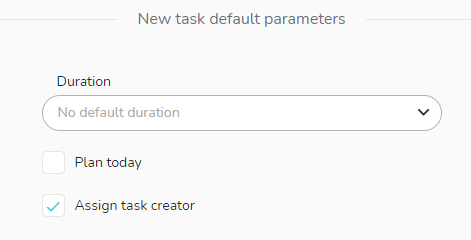
Each time a new task is created in the project, your settings will be applied.
You can also add members directly to the project by typing the member’s name in the “Search or create a member” field. If the member does not exist in your list of members, it will be automatically created and added to the list of project members.