With Beesbusy, balancing privacy and transparency becomes easy!
How to share and secure information in your projects? Discover our tips!
Create confidential tasks
Manage tasks privacy and visibility.
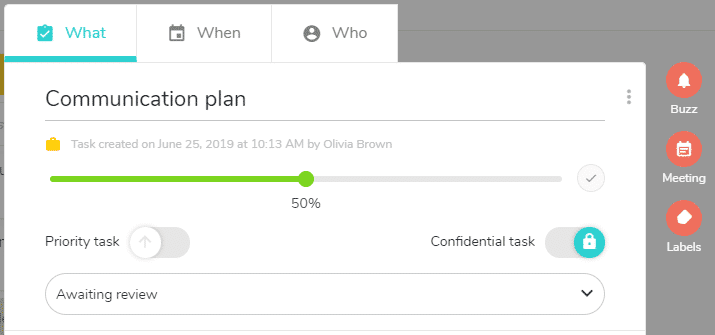
In the task detail panel, activate the “Confidential task” option: the task can only be seen by members with Administrator rights or members assigned to the task.
Manage access rights to a project
Adjust the rights for the each member of the project.
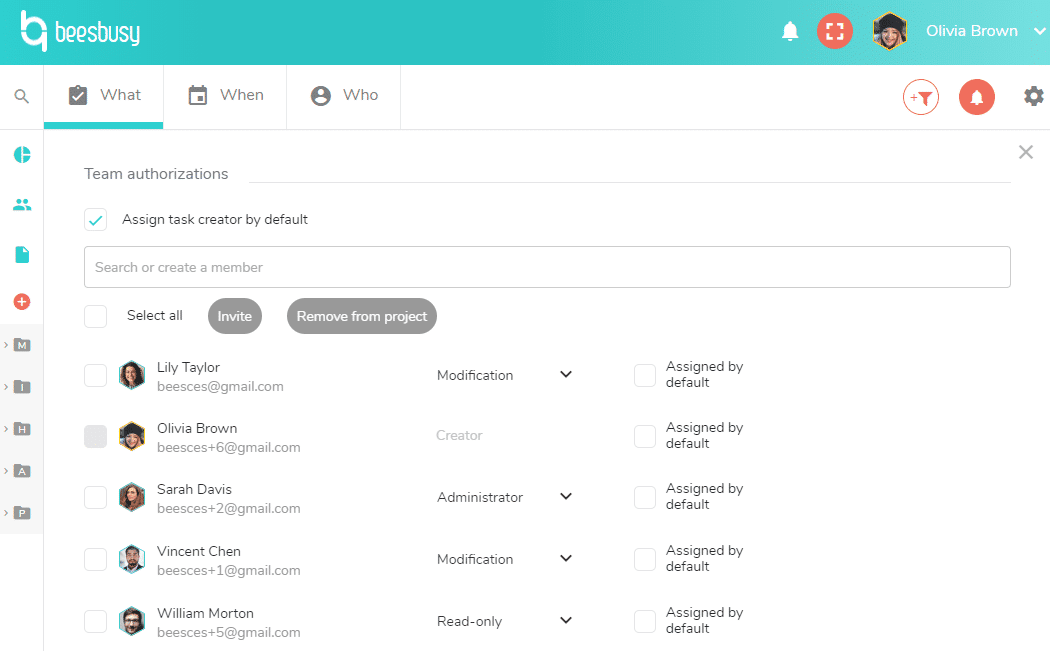
Go to the project settings to manage your team’s access rights: administrator, modification, read-only, no access…
If a member has “Limited read-only” or “Limited modification” rights, he will access only the tasks he is assigned to.
Communicate with your team
Don’t forget that there are 2 very useful features to share information:
Comments in the task details panel
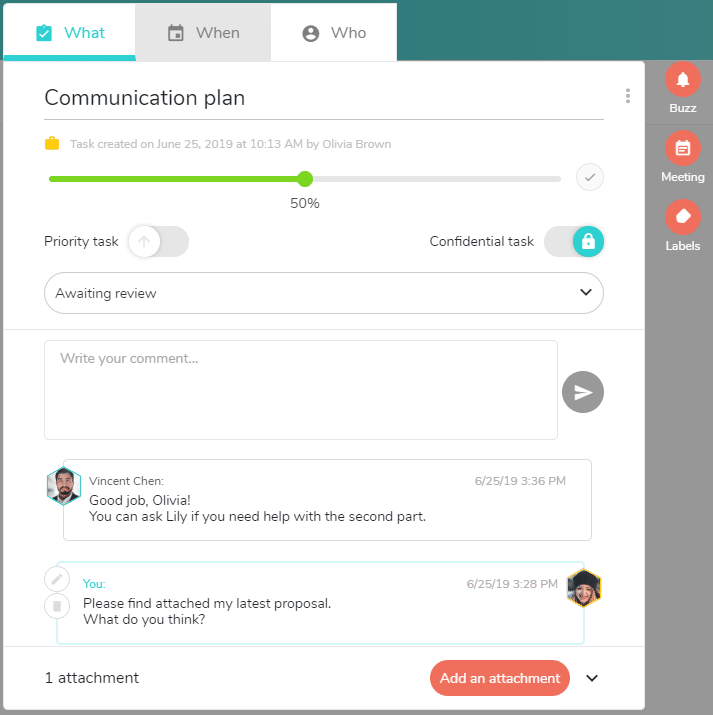
Use the comments to exchange information with your team, start a conversation or add more details to the task.
You can even share documents or images below the comments.
Buzz
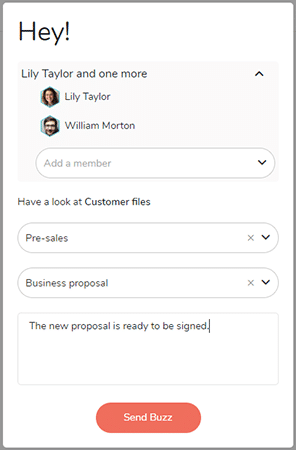
Send custom notifications from a task or a project to highlight a specific element.
You only receive relevant notifications thanks to this feature.
With Beesbusy, you are always in control of the information.