Access the Members list
Go to the Members page by clicking on “Members” in the left column. By default, you land on the “List” tab. Click on the name of a member in the list to access the member’s card.
Edit a member’s profile
You can edit the information of First name / Last name, email address, Organization and Position if you do not collaborate with the member yet.
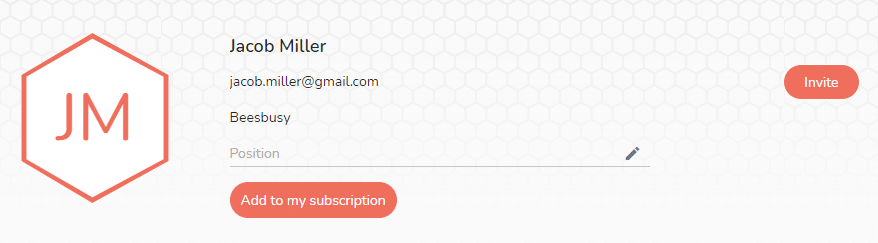
Click on “Invite” if you want to collaborate with this member. An valid email adress will be needed.
In order to assign a license to this member, click on “Add to my subscription” .
The special fields and the budget informations can only be managed by the member himself, when you already collaborate with him.
At the opposite, Smart-tags are managed by yoursef in any case, as it is not a shared information.
You can assign projects to this member directly on his profile in the “Shared projects” section, and manage the access rights and authorizations for each project.
Delete a member
You can delete a member with whom you do not share projectsby clicking the “Delete the member” button at the bottom of the member profile card.
To delete a member with whom you collaborate and share projects, you must first remove him from all shared projects in the “Shared projects” section. Then click on the “Delete the member” button at the bottom of the member profile card.
In both cases, a confirmation will be requested.