What are the custom fields?
Custom fields allow you to add additional information about your members. You have the possibility of creating up to 5 different fields, these fields can then be accompanied by information notes corresponding to the title of the field.
How to create custom fields
Go to you Members list, click on one of your members to access their profile.
Then, in the top section of the member, name the field you want to create in the “Additional personal information” field. Click on the “+” button to create the custom field:
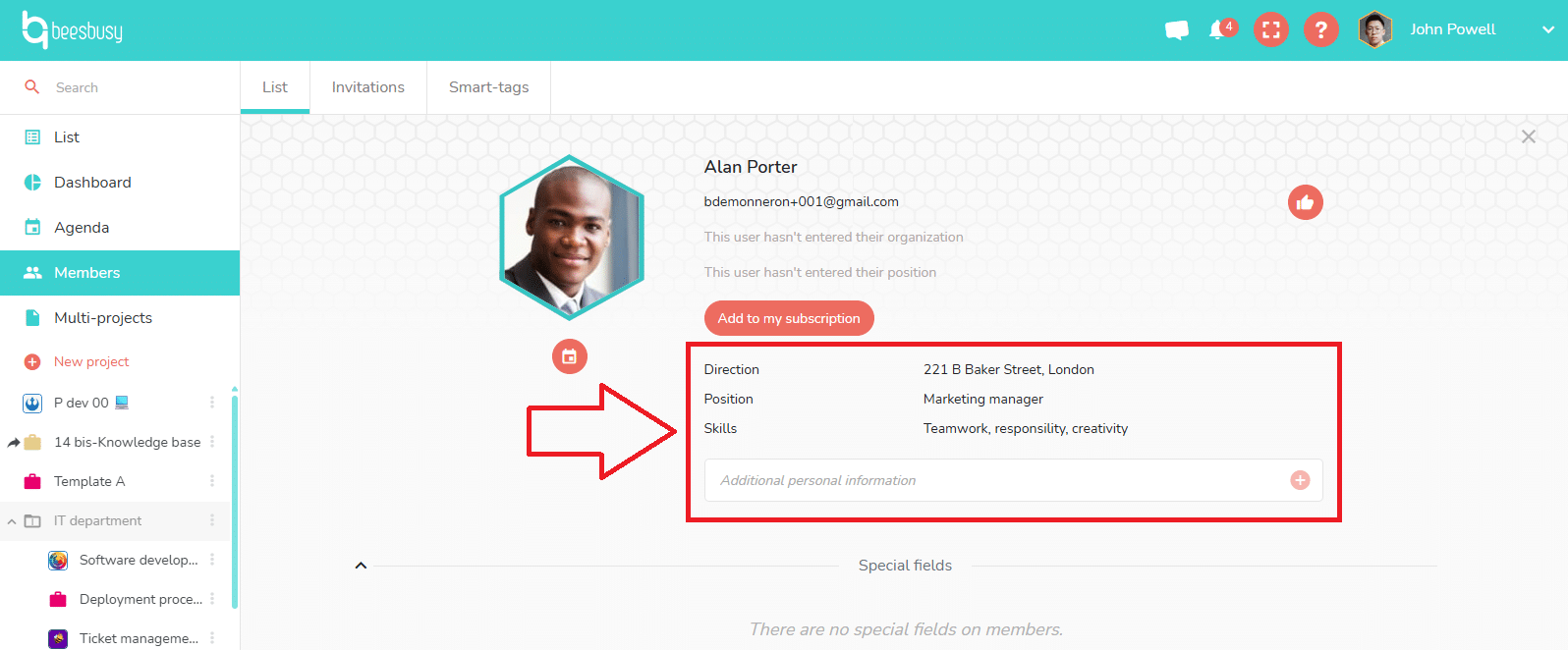
Custom fields are common to all your members, they will appear in each member’s profiles. They are visible only to you.