What is a buzz?
You can communicate with your team by sending a Buzz. A Buzz is a notification on demand.
How to send a buzz?
There are 2 ways to send a Buzz:
- From a task
- From a project
Send a buzz from a task
On the top right corner of a task when opened, click on the “Buzz” bell icon.
A pop-up opens:
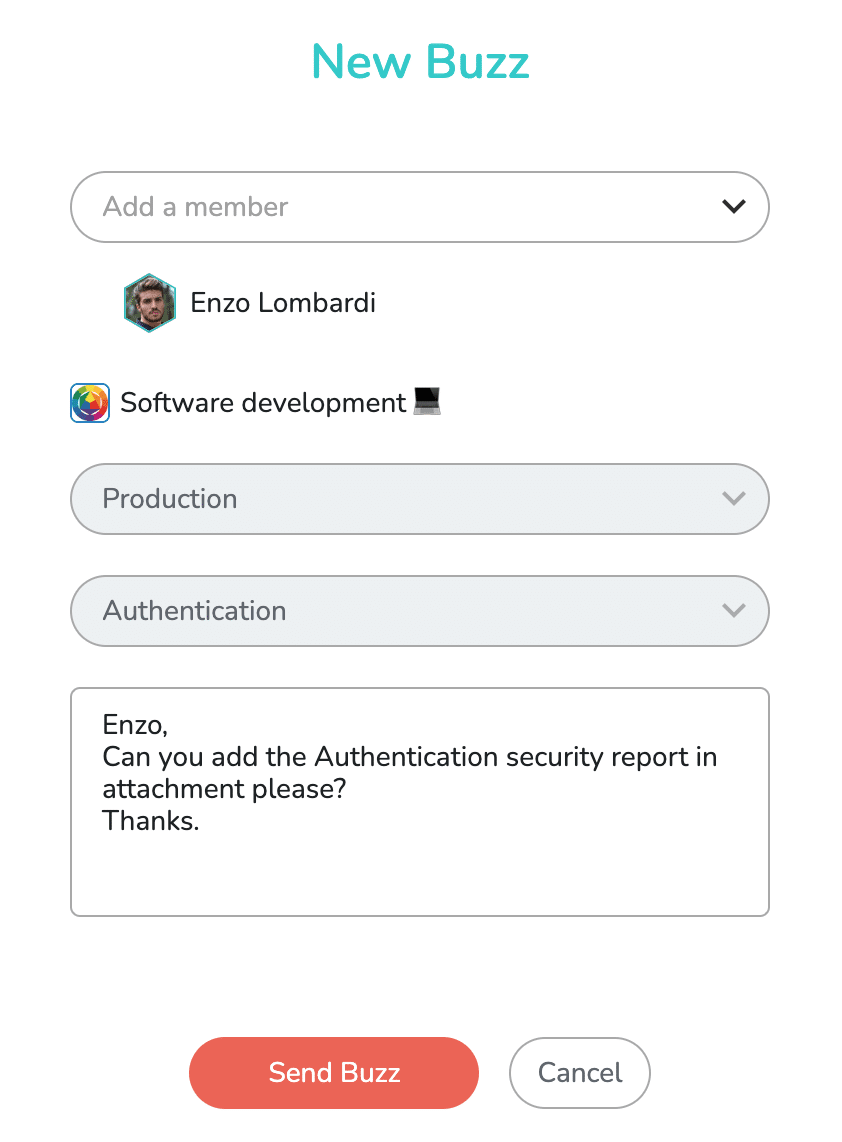
The “Add Member” drop-down menu allows you to choose the buzz recipients.
You can also add a personal note in the designated box, before sending the Buzz by clicking on “Send Buzz”.
Send a buzz from a project
In the project, click on the “Buzz” bell icon at the top right of the project window (below the user drop-down menu).
A windows opens:
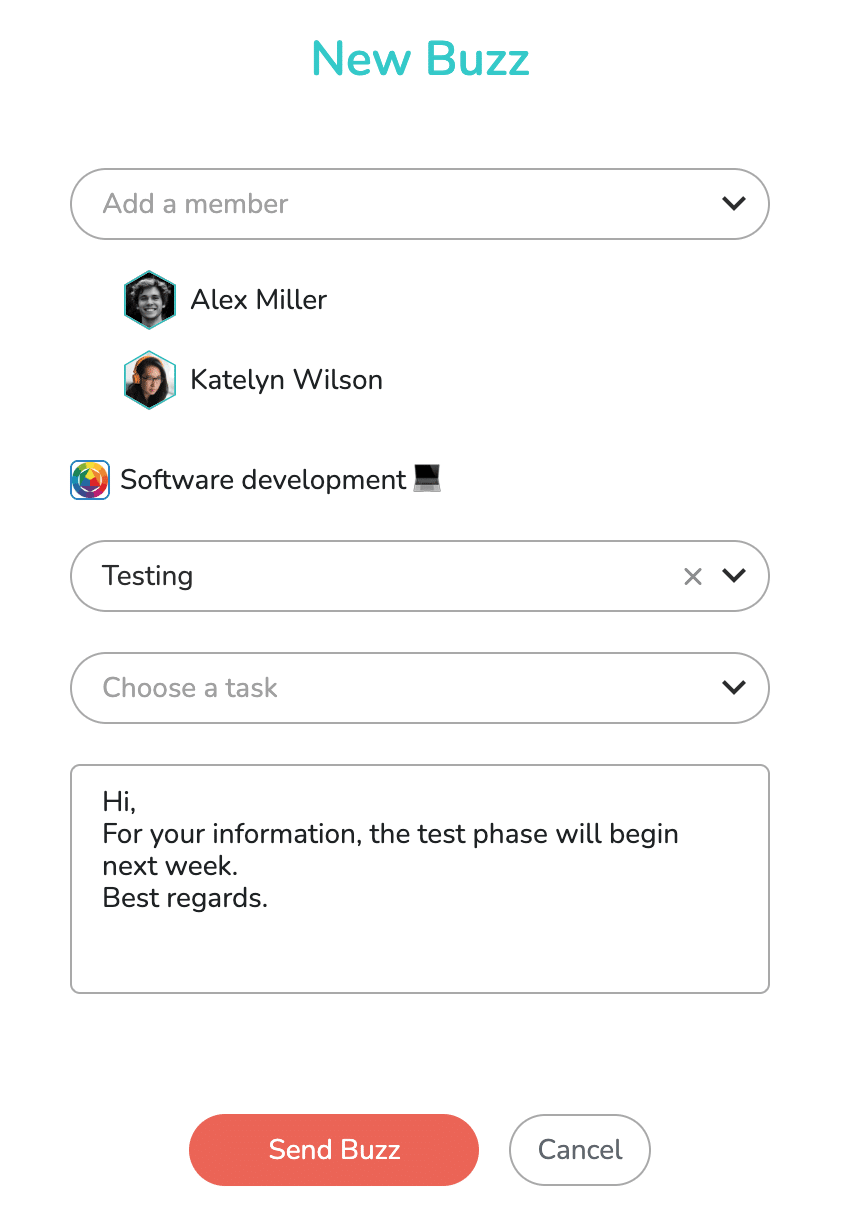
Sending a buzz from the project allows you to choose whether or not a task list is affected by the buzz, thus creating a general buzz about the entire project, or about a specific task list. It is also possible to select a specific task, which is equivalent to sending a buzz from that same task.
Note: only the members with whom you collaborate (invitation accepted) on the project can be selected as recipients of the Buzz.
To learn how to view received or sent Buzzes, click on the following link: https://www.beesbusy.com/resources/features/buzz-notifications-features/read-buzz/