Install the Beesbusy App
If you want to receive the buzz on your smartphone, you must first install the Beesbusy app. It is available for free on the stores (Apple and Google Play).
Click on the following link to find links to the stores and also an APK file if you are using Android but cannot access Google Play:
Authorize the push notifications for Beesbusy
When the Beesbusy app is on your smartphone, make sure the push notifications are authorized in your settings.
When a buzz will be sent to you, you will receive it as a push notification on the screen of your smartphone.
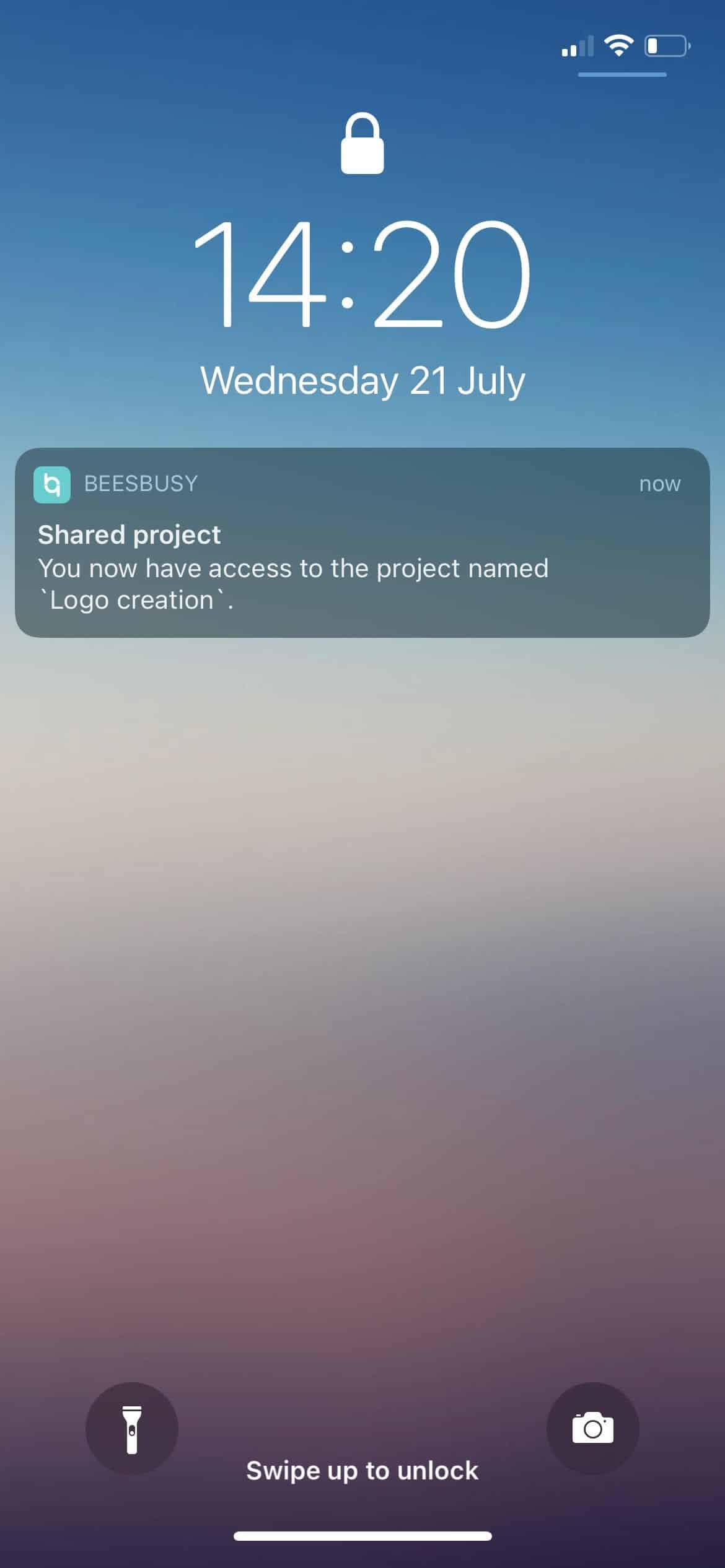
The buzz will also be available in the app’s notification center.
Finally, if you have set in your Profile to receive the Buzz by email, you can also access the email of the buzz on your smartphone, provided that you have made the necessary settings to receive your emails on your smartphone.
About this settings you can check the “Notifications settings” online help article:
https://www.beesbusy.com/resources/features/buzz-notifications-features/notifications-settings/